Reset your site data
Within the Danger zone section of your website settings, find Reset stats and click Reset [your domain] stats. Confirm the reset when prompted.
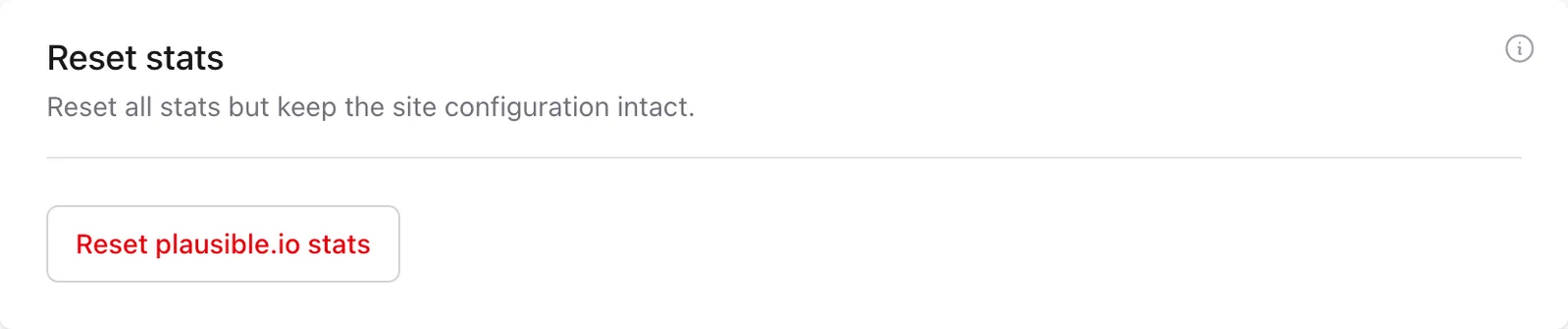
This permanently removes all the stats you've collected until that point while keeping the site and its configuration in your account. The separate Delete site action removes both the stats and the site settings.
Stats for a single page or specific custom property values can't be deleted on their own once they've been recorded.